Customers & jobs
Customer records, addresses, status, appointments, phone, email and WhatsApp.
MovePilot Pro
MovePilot Pro
From first customer contact to the post-move review, MovePilot Pro connects jobs, surveys, planning, documents, storage and finances.
All languages
Built for professional moving companies
From first customer contact to the post-move review, MovePilot Pro connects jobs, surveys, planning, documents, storage and finances.
✓ Try free for 3 days
MovePilot Pro
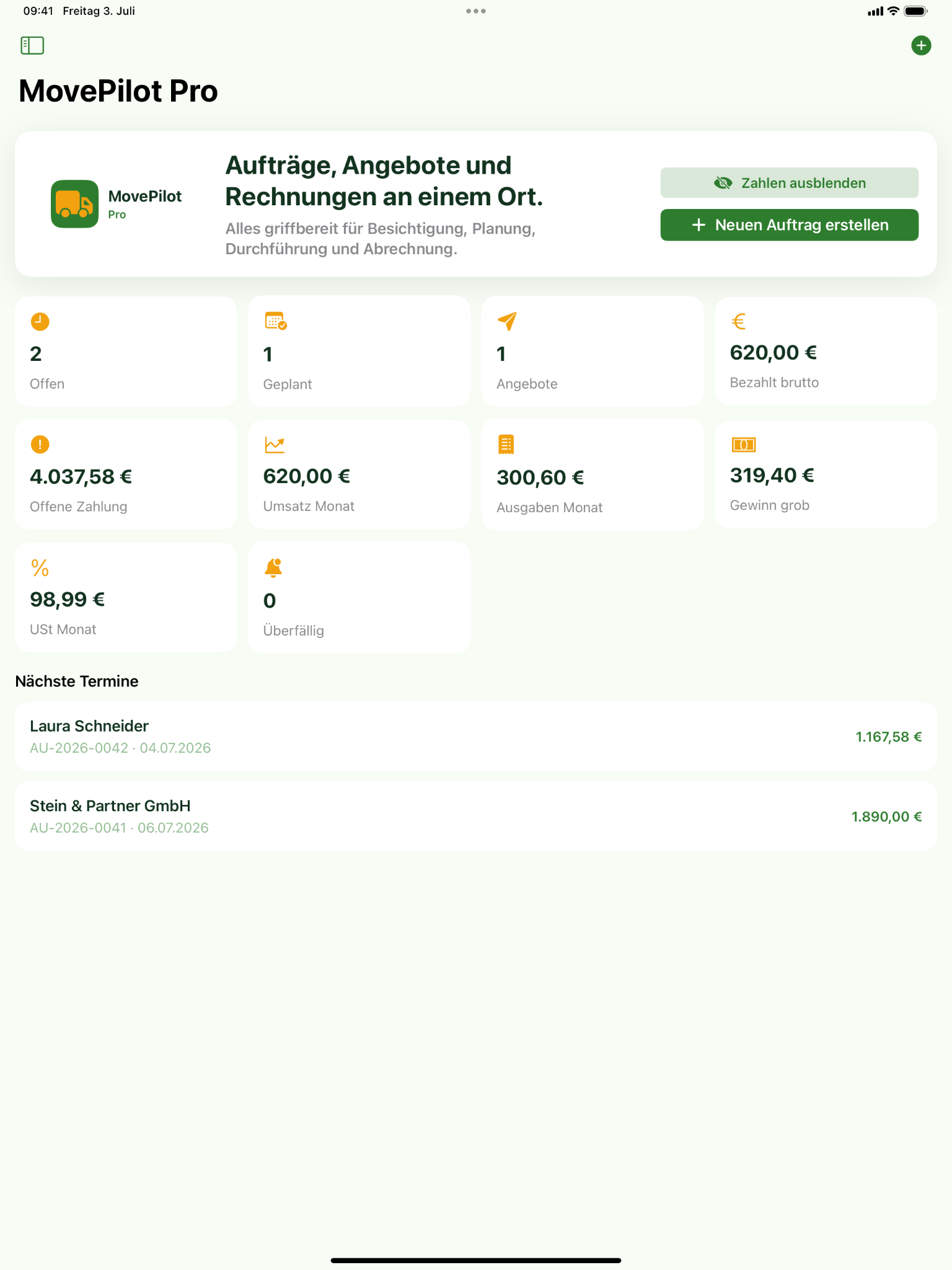
MovePilot Pro connects enquiries, surveys, addresses, inventory and volume with pricing, quotations, contracts, invoices, scheduling, teams, vehicles, storage, payments and reviews.
Customer records, addresses, status, appointments, phone, email and WhatsApp.
Furniture, boxes, special items, photos and automatic volume calculation in m³.
RoomPlan scans and LiDAR-supported 3D room capture linked permanently to the job.
Hourly and fixed prices, kilometres, carrying distances, extras and Basic, Standard and Premium profiles.
Quotations, contracts and invoices as PDF, previews, company details and digital signatures.
Send a secure link, let customers read the contract and sign electronically without installing an app.
Daily planning, employees, tasks, job sheets, vehicles, availability and inspection dates.
Customer-specific storage positions, intermediate storage, volume, duration, check-in and check-out.
Paid and open invoices, income, expenses, VAT, CSV and DATEV preparation.
Inventory photo analysis with optional own OpenAI or Google Gemini API keys.
Create customer
Document survey and addresses
Use RoomPlan, LiDAR, photos and inventory
Calculate volume and price
Create quotation
Capture contract and signature
Plan team, vehicle and date
Complete the job
Manage invoice and payment
Request a review by QR code
Secure electronic signing
The moving company creates a secure approval link in MovePilot. The customer opens it in a browser, reads the contract, signs directly on screen and accepts it. Customers do not need to install the app or create an account.
Request an activation key in the app and receive it by email after verification.
Create a secure quotation and contract link from the job.
Send the link to the customer by email, message or WhatsApp.
Refresh the status and save the signed contract permanently with the job.
Activation and privacy
Business access is verified before activation. The activation key is intended only for the registered company and must not be shared with customers. Approval records are automatically deleted from the server after 15 days.
RoomPlan & LiDAR
Capture rooms in 3D with a compatible Apple device, document dimensions and floor plans, and keep the scan permanently linked to the job.
Download the presentation in your language or choose another available language.
↓ Your language: English (EN)8.7 MBMovePilot Pro is designed for professional moving companies.
MovePilot Pro is available for iPhone and iPad in the Apple App Store, for Mac, and for Android devices on Google Play.
The app can be tested free for three days before the selected subscription begins.
RoomPlan and LiDAR-supported capture can be used on compatible Apple devices. Android features depend on the device capabilities.
Quotations, contracts and invoices can be created as PDF; customers can also read and sign contracts through a secure browser link without installing the app.
Choose your language above; every file is a complete PowerPoint presentation.
MovePilot Pro does not replace professional accounting, tax or legal advice. Each company must verify tax details, mandatory information, prices and contract terms. The app prepares data and exports but does not submit directly to ELSTER.